

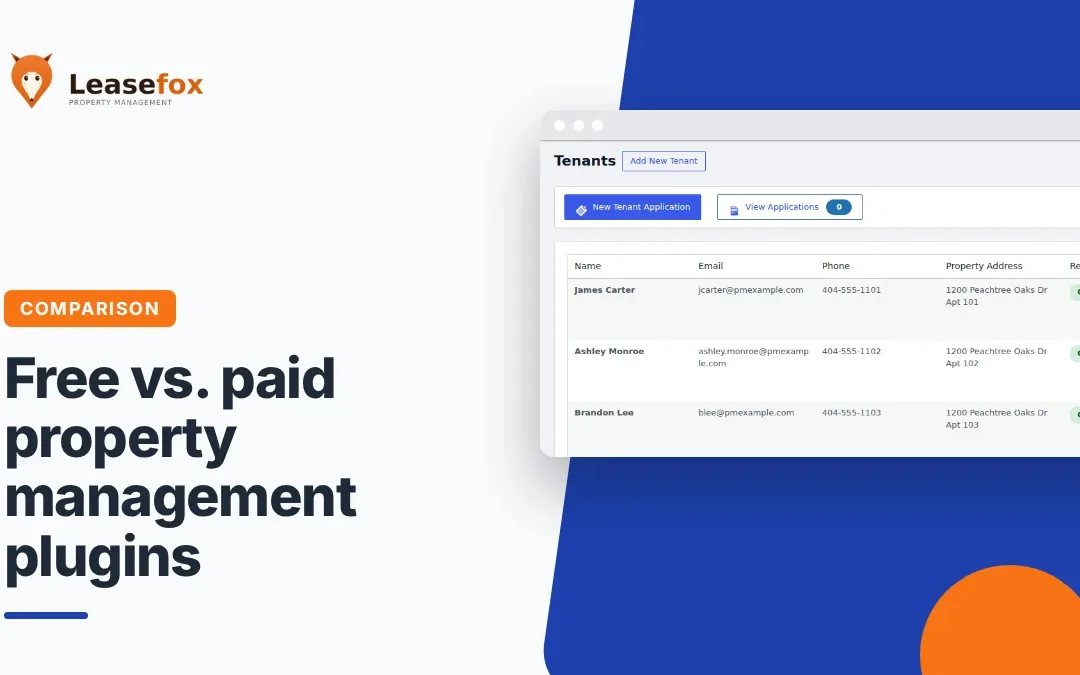
Free WordPress property management plugins, what you should consider.
Free WordPress property management plugins are tempting, and some are genuinely useful. The question isn't "free or paid?" so much as "which jobs do I need the software to do, and which of those are worth paying for?"
This guide breaks down what free plugins typically cover, where paid features earn their cost, and how to decide for your portfolio.
Listing plugins vs. management plugins
Many free real estate plugins on WordPress.org are listing tools. They display properties with photos, search filters and an inquiry form. That's great for marketing vacancies, but it doesn't help you run a tenancy.
A management plugin tracks the people and money behind each property: tenants, leases, invoices, payments and reports. Before installing anything, check which kind you're looking at.
What a good free management plugin should cover
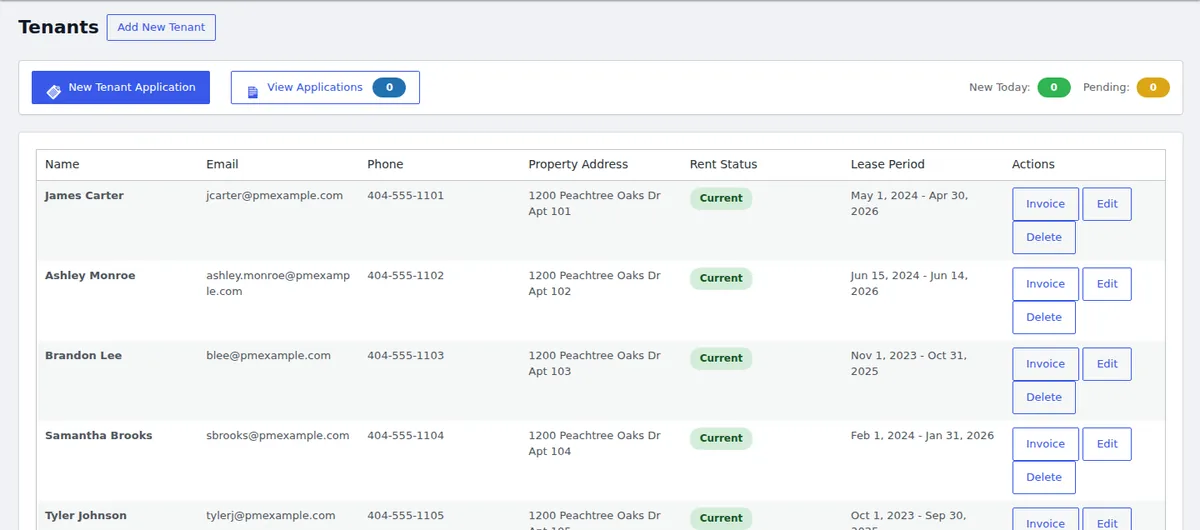
For a small landlord, the free tier should handle the weekly basics. The free LeaseFox plugin includes:
- Properties with photo galleries and descriptions
- Tenant tracking and online rental applications
- Invoice generation, sending and payment tracking
- Auto-invoicing on a recurring schedule
- A secure tenant portal for viewing invoices
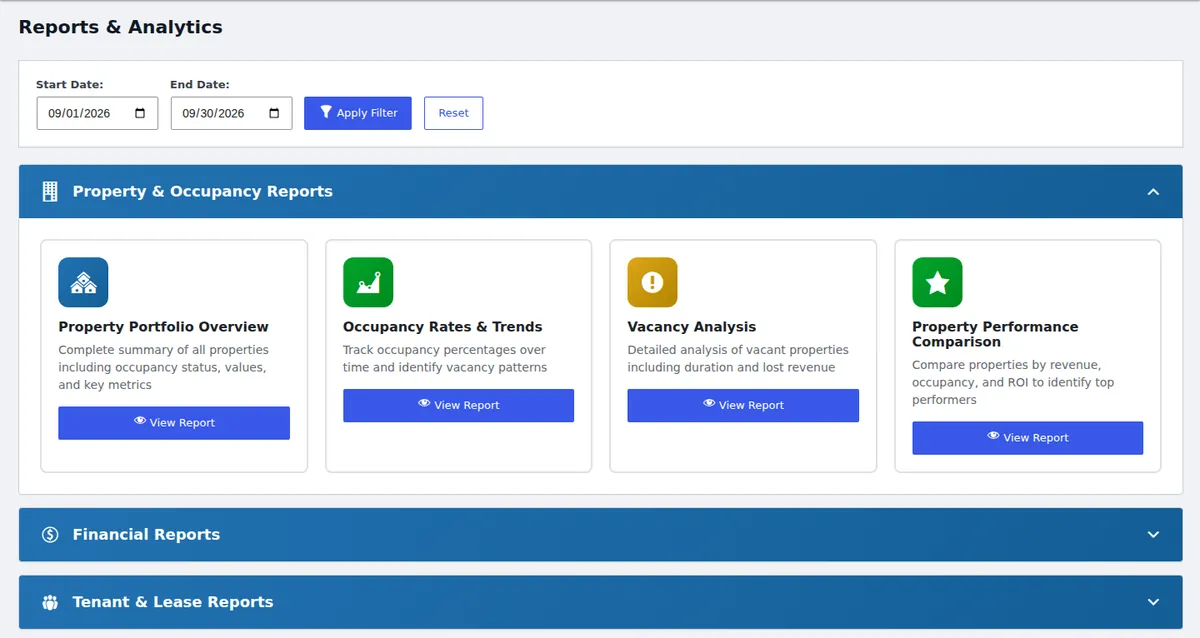
- Property, occupancy, financial and lease activity reports
- CSV import, public listing shortcodes and role-based staff access
What paid features are worth paying for
Paid tiers make sense when they remove a recurring chore or a real risk. In LeaseFox's paid plans, those include:
- Online rent payments — Auto Pay through Stripe, partial payment plans, prorated move-in rent and a full tenant ledger
- Leases and documents — lease PDFs from your own template, e-signatures, renewal tracking and formal notices
- Operations — room-by-room inspection checklists, a make-ready board for turnovers and preventive maintenance scheduling
- Communication — two-way messaging, SMS alerts via Twilio and bulk announcements
- Vacancies — a pipeline from inquiry to signed lease, plus listing syndication
Ask yourself: which of these do you do by hand every month today? Those are the ones worth paying for.
Free vs. paid at a glance
| Job | LeaseFox free | LeaseFox paid |
|---|---|---|
| Track properties and tenants | Yes | Yes |
| Create and email invoices | Yes | Yes |
| Auto-invoice every month | Yes | Yes |
| Tenant portal | Yes | Yes, plus a mobile app-style portal |
| Reports | Yes | Yes, plus scheduled report delivery |
| Collect rent online (WooCommerce, Stripe) | — | Yes |
| Lease PDFs and e-signatures | — | Yes |
| Inspections and maintenance scheduling | — | Yes |
| SMS and two-way messaging | — | Yes |
Don't overlook reporting
Reports are where a management plugin pays off at tax time and during vacancies. Look for occupancy, vacancy and financial reports you can filter by date instead of rebuilding them in a spreadsheet.
A quick checklist before you install any free plugin
- Check the "Last updated" date and the tested-up-to WordPress version on its WordPress.org page.
- Read the support forum. Are questions answered?
- Confirm you can export your data (CSV is the minimum).
- Check whether the upgrade path is one plugin or a stack of paid add-ons.
- Try a demo before you enter real tenant data.
Frequently asked questions
Does LeaseFox have a free version?
Yes. The core plugin is free on WordPress.org. Paid plans start at $149 per year for one site and include a 30-day money-back guarantee. See pricing.
Can I see it working before I install it?
Yes. The live demo has sample properties, tenants and invoices, plus demo logins for the manager dashboard and the tenant portal.
Is a free plugin safe for tenant data?
It depends on how actively it's maintained. Check update frequency and support activity, and keep WordPress, your plugins and your backups current.
Still on spreadsheets? Start with 5 reasons to switch from spreadsheets. Considering a cloud platform instead? See WordPress plugin vs. SaaS.
Start free, upgrade when it pays for itself. Install LeaseFox from WordPress.org or explore the demo.